Ordito LogoOrdito

Your commands, one tray click away

Save the shell commands you use every day, run them without opening a terminal, schedule recurring work, and keep every result in one quiet desktop app.
macOSWindowsLinuxFree and open source
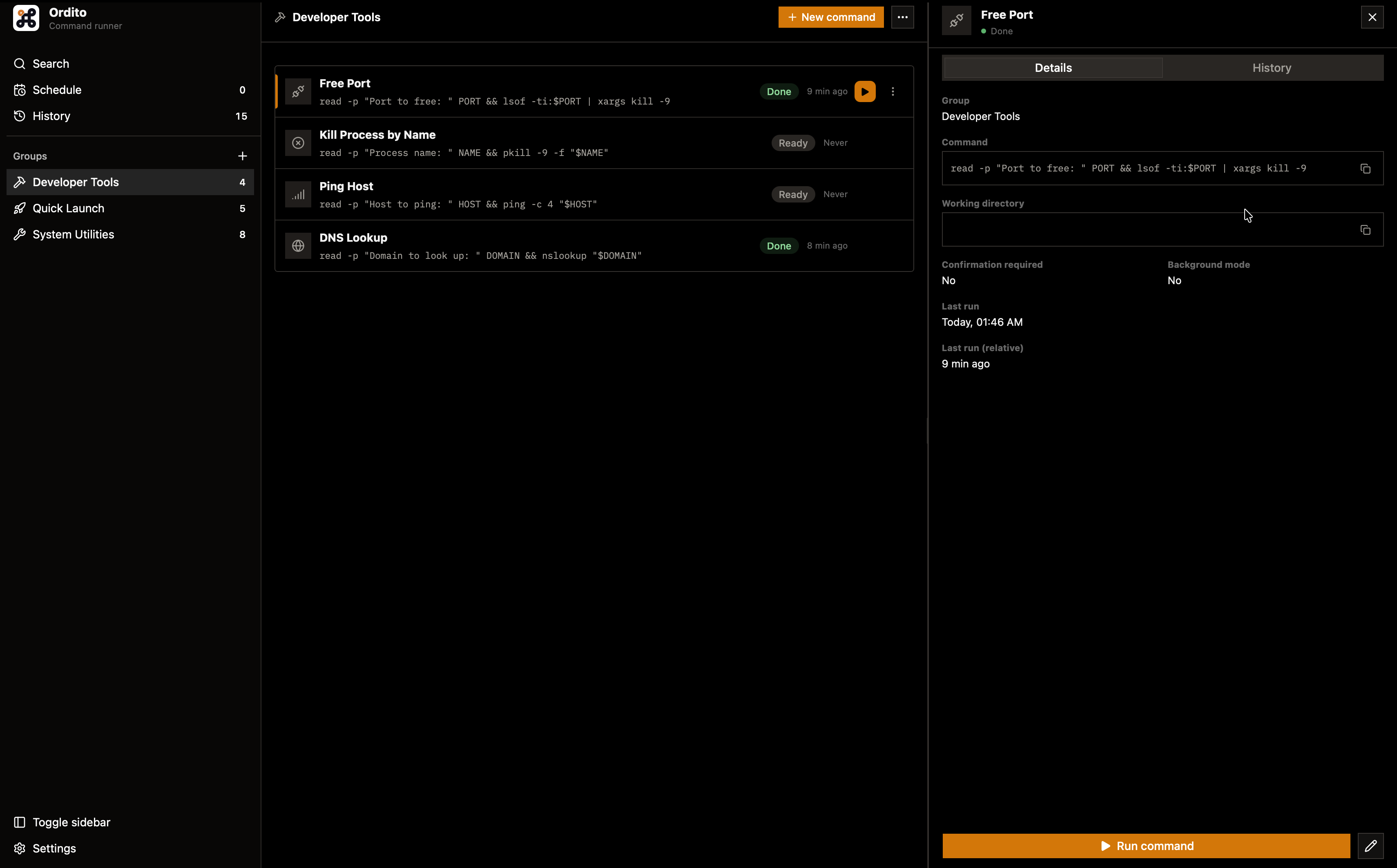
Ordito commands view

Made for commands worth saving

Ordito keeps repeatable shell work close without trying to replace the terminal.

One tray click
Run a saved command directly from the system tray.
Local execution
Commands run on your machine in your own environment.
Built-in scheduling
Create recurring cron schedules or one-time runs.
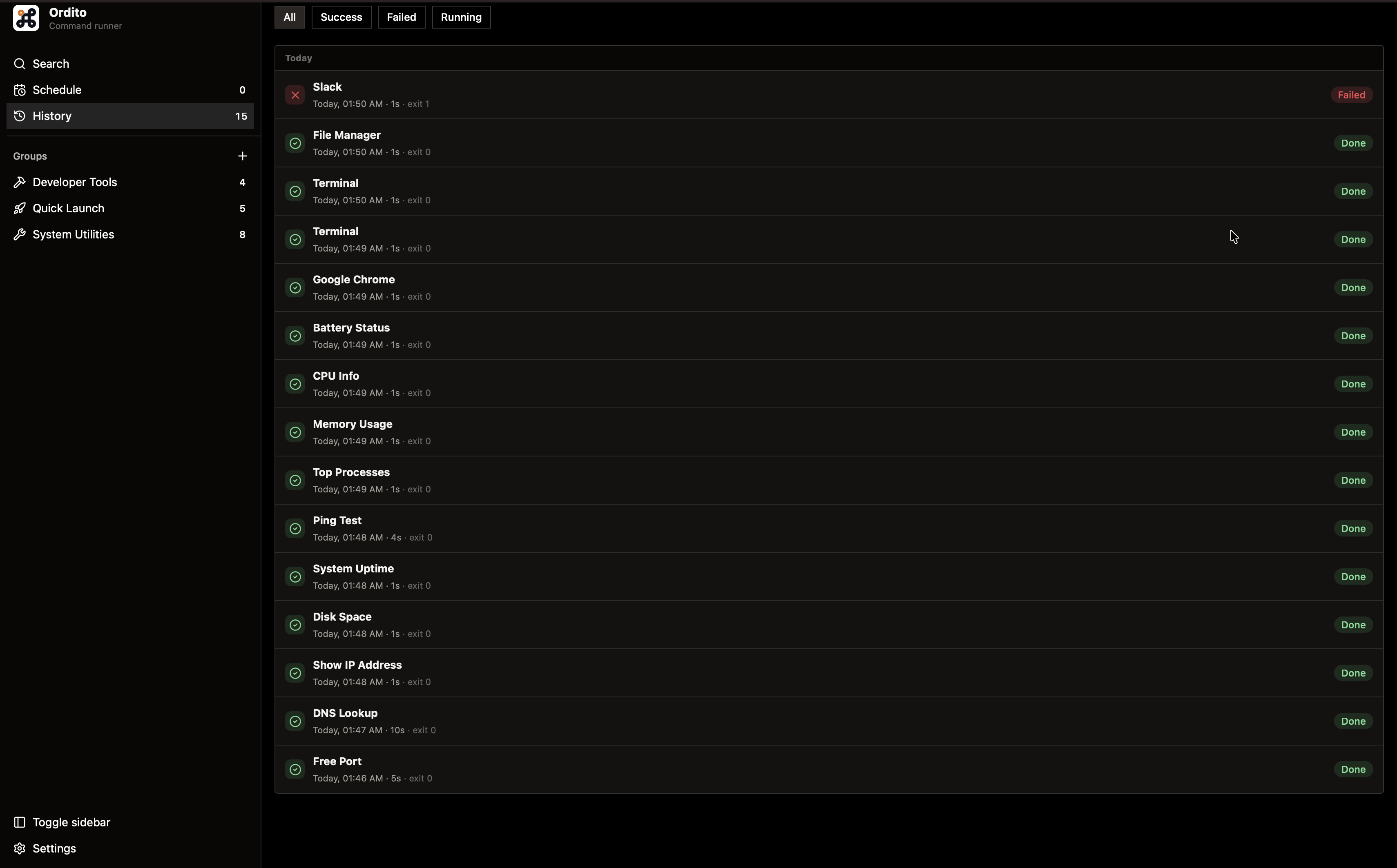
Complete history
Keep output, duration, status, and exit codes together.

Everything a saved command needs

From the tray click to the run history, each feature keeps repeatable shell work organized and out of the terminal.

Run saved commands from the tray

Open Ordito, choose a command, and get back to work. The panel does not need to stay open, and there is no terminal window to manage.

Reserved for a product view showing grouped commands in the native tray menu.

Keep every repeatable command organized

Save command names, shell instructions, working directories, and environment details in named groups. Search focuses instantly with Command K or Control K.

Reserved for the searchable Commands view and group navigation.

Stay out of the terminal for work you already know

The terminal is still there when you need it. Ordito removes it from the repetitive commands you have already named, saved, and trusted.

Reserved for a final product composition connecting tray, panel, and execution history.

Save it once. Stop recalling it.

A short loop for the command-line work that repeats throughout the week.

1

Save it once

Name the command and keep its exact shell instruction in Ordito.

2

Run or schedule

Start it from the tray, the panel, or let its schedule handle it.

3

Check the result

Return only when needed to review status and captured output.

⌘/Ctrl KFocus search↑ ↓Select a commandEnterRun selection

Frequently asked questions

The practical details about where Ordito runs and what it keeps.

Put repeatable commands within reach
Download Ordito for macOS, Windows, or Ubuntu, or inspect the open-source project before installing it.